.avif)
Smart reconciliation excel sheet
This sheet is to help finance and accounting teams reconcile two datasets. It’s built for cases where data doesn’t perfectly match, like bank statements vs ERP exports, invoices vs payments, or any cross-check where you're manually comparing hundreds of rows.It compares both datasets and finds matches based on amount and closest date, handles small discrepancies and shows you only what needs attention.
What's included
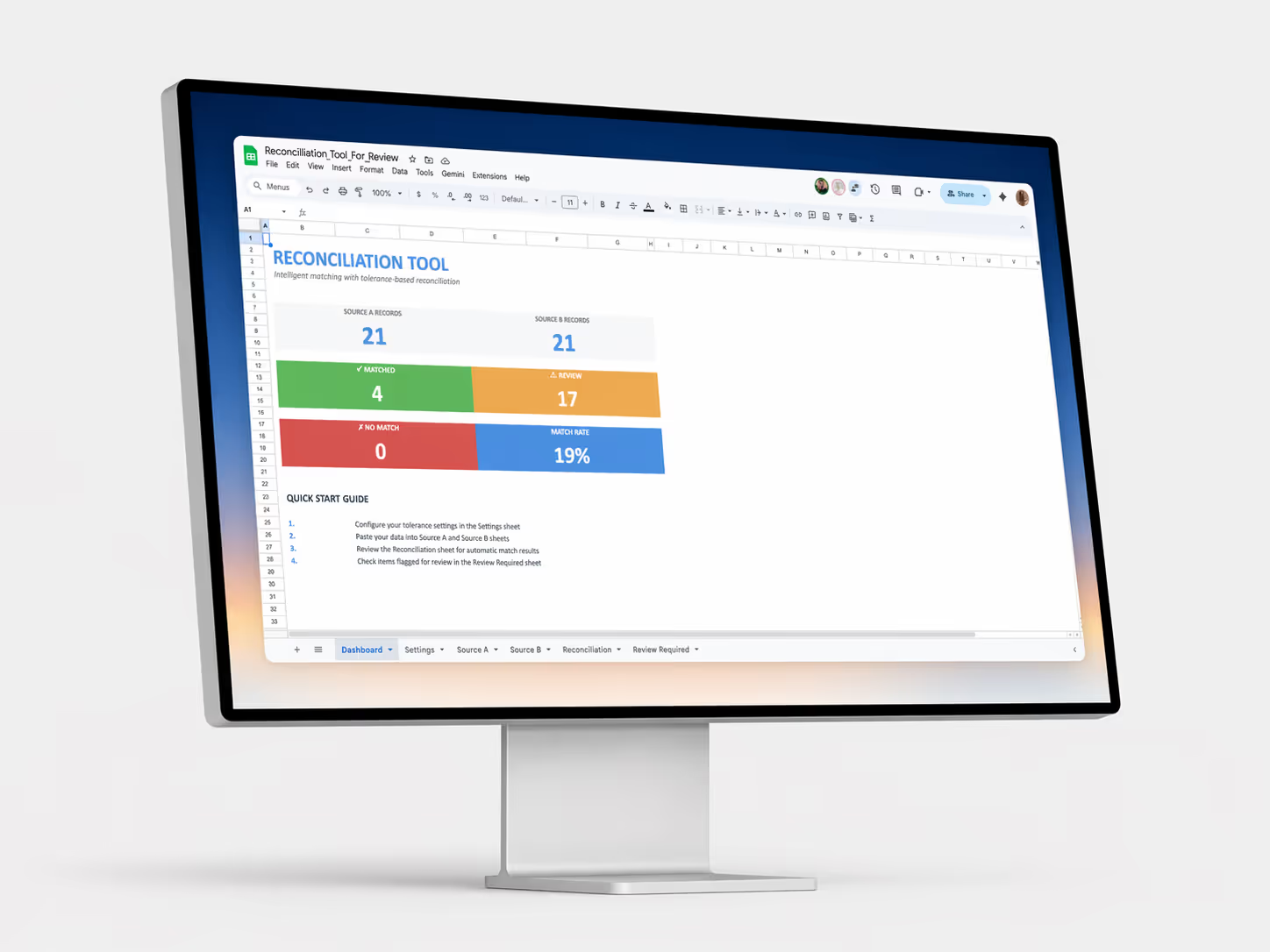
Dashboard overview see your match rate, transaction counts, and total amounts in one place. Know instantly how many items matched, need review, or have no match.
Ready-to-review sheets two pre-filtered tabs show only what needs your attention. Unmatched Items section has transactions with no match found.
Color-coded status green for matched, amber for review needed, red for no match. Spot issues at a glance without reading every row.
Adjustable tolerances set how much variance you'll accept in amounts, dates, and descriptions. Update anytime to match your data quality standards.